Practical answer
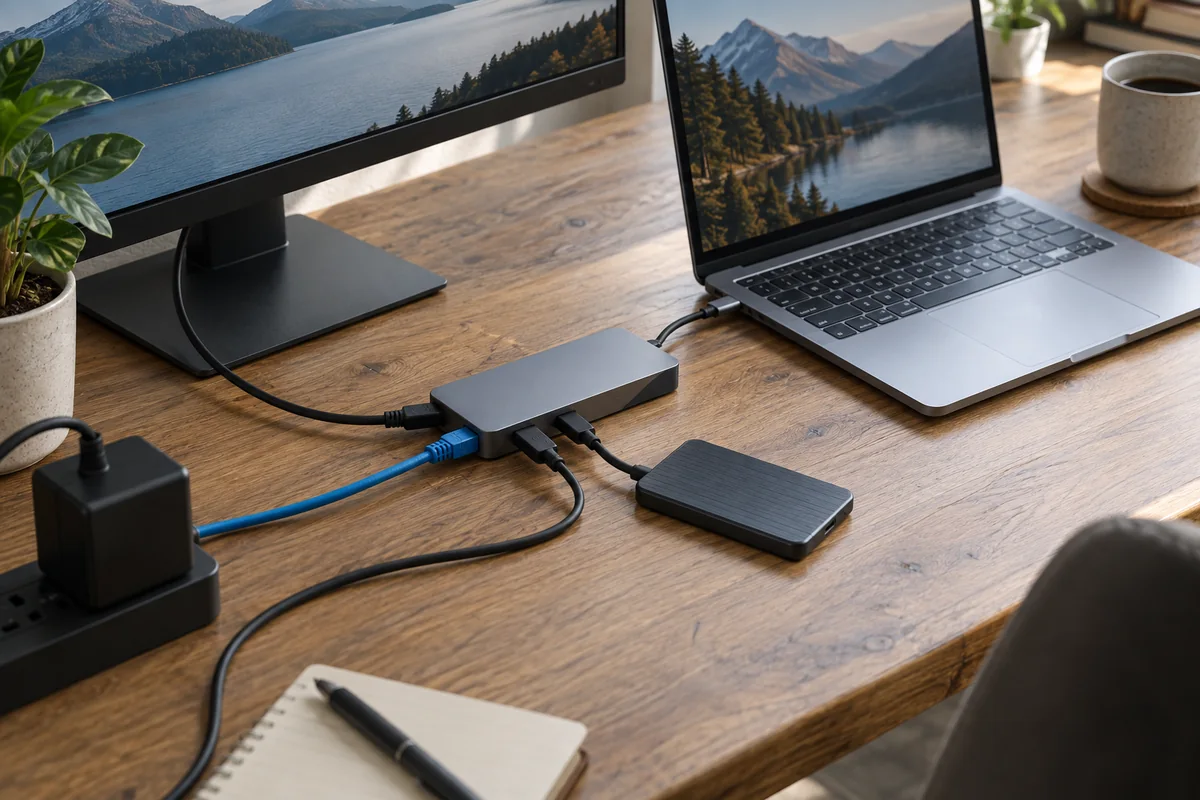
Warmth can be normal because a hub converts power, drives interfaces and may use its enclosure to spread heat. The useful question is not “does it feel warm?” but “what load produces the heat, and does the hub remain stable and undamaged?”
Stop using the hub and follow its manufacturer’s support process if there is a burning smell, visible deformation or damage, repeated shutdowns/disconnections, or heat that remains excessive after the load is reduced.
- Identify the exact model and load
- Separate charging, display, network and storage tests
- Keep the enclosure uncovered
- Use the manufacturer’s limits—not a universal internet temperature
Where the heat comes from
| Active function | Why load increases | Isolation test |
|---|---|---|
| Power Delivery pass-through | Power conversion and negotiation occur while the laptop charges | Disconnect the charger but keep low-power peripherals connected |
| External display | Video conversion or link processing remains active | Disconnect HDMI/DisplayPort and observe stability after cooling |
| Ethernet | The network controller can remain active even when traffic is light | Disable or unplug Ethernet temporarily |
| SSD or card transfer | Sustained data plus device power raises total load | Stop the transfer and disconnect the storage device safely |
| Several functions together | A compact enclosure must dissipate combined controller and conversion heat | Reconnect one function at a time to identify the change |
A safe troubleshooting sequence
- Save work and identify the hub model, laptop model, charger wattage, connected devices, display mode and operating system.
- If there is odor, smoke, visible damage, melting, repeated power loss or a connector too hot to handle safely, disconnect power and contact the manufacturer. Do not continue a comparison test.
- For ordinary warmth, place the hub on a hard, open surface. Do not cover it with papers, fabric or the laptop.
- After it cools, test the hub with only the host connection and one low-power device. Add charging, display, Ethernet and storage one at a time.
- Note which function introduces instability. Check firmware, driver and power-supply requirements in the exact manufacturer documentation before replacing equipment.
Why this guide does not give one safe temperature
Surface construction, sensor location, ambient temperature, controller design and allowed operating range differ by model. A temperature published by one manufacturer for one product cannot be copied into a universal threshold for every hub.
Plugable reports model-specific measurements and warning signs for its own equipment. That is useful evidence for understanding the mechanism, but owners of another brand should use the limits and support process for that exact model.
Questions people ask
Is an aluminum USB-C hub supposed to feel warm?
It can. Some metal enclosures spread heat from internal components, so the case may feel warm while the hub operates normally. Stability, damage, odor and manufacturer guidance matter more than touch alone.
Why is the hub hotter while charging a laptop?
Pass-through charging adds power handling to the data and display work already occurring. Charger capacity, hub overhead and connected-device draw all matter.
Can I cool a hub with an improvised heatsink?
Do not modify or open equipment unless the manufacturer explicitly supports it. First improve ventilation, reduce load, verify the specified power supply and contact support if abnormal behavior continues.
Sources and methodology
These sources support the setup logic and boundaries above. Check product-specific instructions before making a purchase or changing electrical equipment.
- My USB-C Hub or Video Adapter Is Getting Warm or Hot — Is This Normal? — Plugable Knowledge Base ↗Manufacturer explanation of load-related heat, enclosure heat spreading, model-specific measurements and warning signs.
- USB Charger (USB Power Delivery) — USB Implementers Forum ↗Standards-body overview of USB Power Delivery.
- If your USB-C power adapter is not charging your Mac laptop — Apple Support ↗Official guidance that USB-C power equipment can become warm in normal use and should remain in a well-ventilated location.