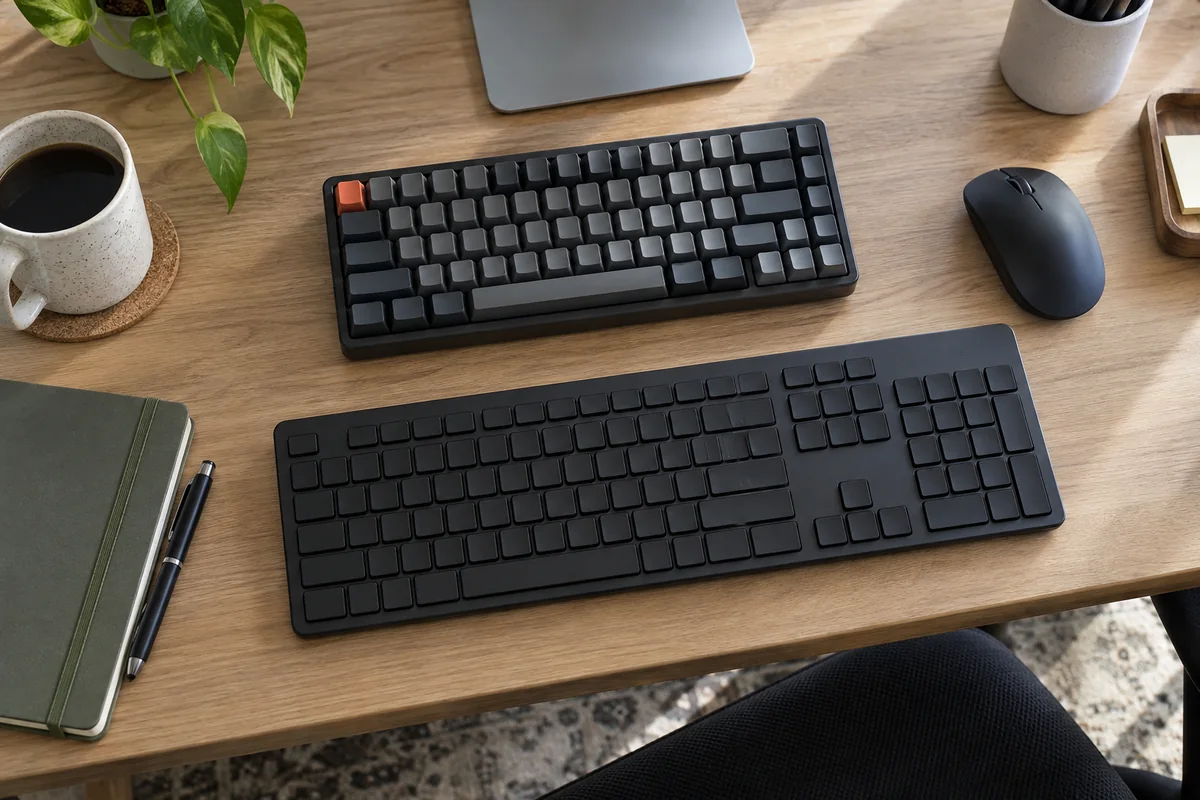
Practical answer
Mechanical and membrane describe switch construction, not a complete verdict on comfort, speed or office suitability. Mechanical boards offer individual switch choices and repair or customization options on some models; membrane boards can provide a thinner, quieter and lower-cost package with fewer exposed moving parts.
Compare the actual keyboard: layout, sound, key force and travel, height, connection, software and cleaning instructions. Low-profile mechanical and scissor designs blur the simple categories.
- Construction does not determine comfort alone
- Clicky is not the same as mechanical
- Low-profile designs blur the categories
- Compare actual sound in the room
Difference by decision factor
| Factor | Mechanical | Membrane / rubber-dome |
|---|---|---|
| Feedback | Varies by linear, tactile and clicky switch | Usually shaped by dome and board construction |
| Sound | Ranges from damped silent designs to audible click switches | Often quieter, but case and typing force still matter |
| Height | Standard, low-profile and ultra-low-profile options exist | Common in thin office boards |
| Customization | Some boards allow switch or keycap changes | Usually limited to software and key functions |
| Maintenance | More exposed gaps; serviceability varies | Often simple, but internal membranes are not generally user-replaceable |
Office exceptions matter more than labels
- A mechanical board with silent switches can be less disruptive than a hard-typed membrane board.
- A low-profile mechanical board changes wrist height and travel compared with a traditional tall mechanical case.
- A membrane keyboard may be preferable where low cost, simple replacement or a sealed specialist design matters.
- Hot-swap capability is useful only if the owner intends to maintain switches and accepts the extra complexity.
Run a useful comparison
- Match layout and case height before comparing switch feel.
- Type the same paragraph and shortcut sequence without deliberately changing force.
- Listen from the position of another person or microphone, not only from above the keys.
- Check fatigue and error pattern over a normal task block, then compare cleaning and software needs.
- Choose the complete board, not the switch category.
Questions people ask
Are mechanical keyboards always loud?
No. Switch and case design matter. Clicky switches are intentionally audible, while silent linear or tactile designs can be much quieter.
Do mechanical keyboards make typing faster?
That is not guaranteed. Familiarity, layout, force, travel and accuracy matter more than the category label.
Which type is easier to clean?
Follow the exact manufacturer instructions. Exposed mechanical key gaps can collect debris, while some specialist membrane designs are sealed; ordinary consumer models vary.
Sources and methodology
These sources support the setup logic and boundaries above. Check product-specific instructions before making a purchase or changing electrical equipment.
- CHERRY Keyboard Technologies — CHERRY ↗Manufacturer overview of mechanical, membrane, scissor and other switch constructions.
- CHERRY MX Switches — CHERRY ↗Official linear, tactile, clicky and low-profile mechanical categories.
- Office Ergonomics - Keyboard Selection and Use — Canadian Centre for Occupational Health and Safety ↗Selection and neutral-position context without prescribing one design.