Practical answer
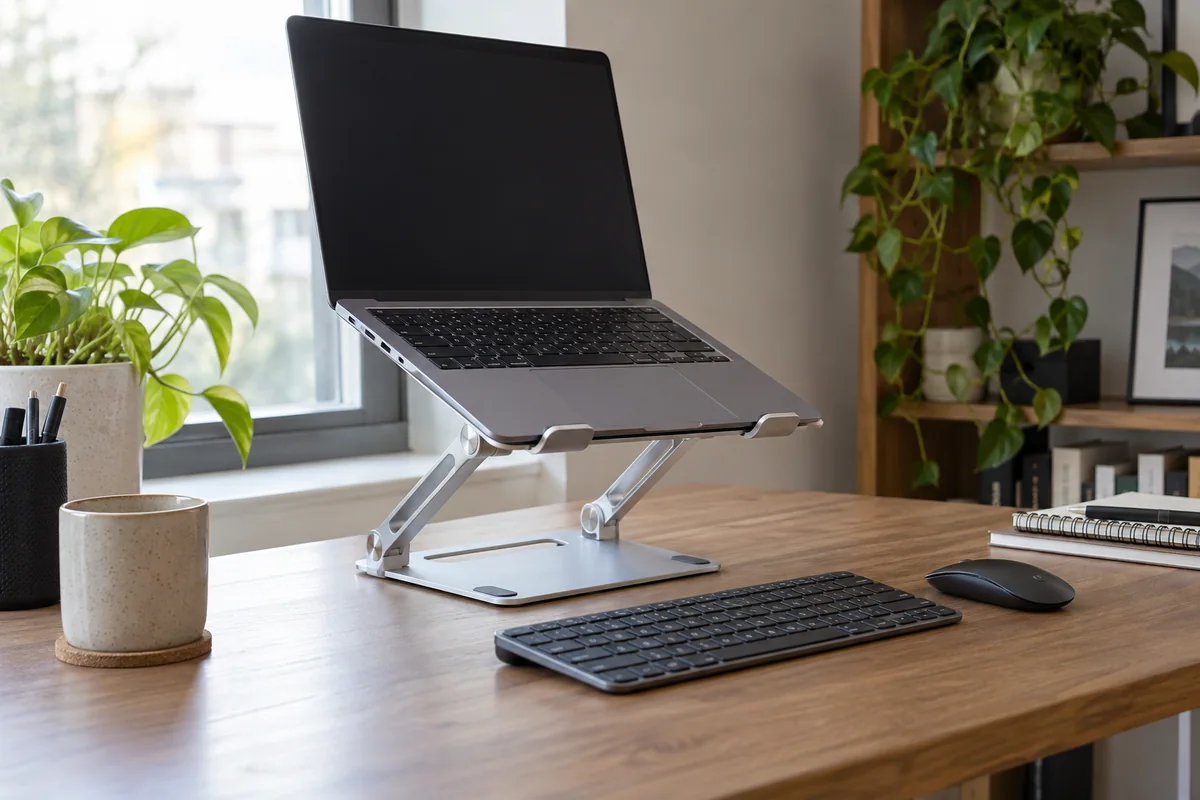
A fixed stand is the simpler choice for one laptop at a dedicated desk when its height and angle already fit the setup. An adjustable stand earns its extra hinges, weight and setup time when several users, locations or screen alignments genuinely require different positions.
Either design should be evaluated as part of a complete workstation. Raising the laptop usually requires an external keyboard and pointing device for sustained work. Stability, vent and port clearance, supported size and cable pull matter more than maximum advertised height.
- Choose the required height range first
- Plan external inputs
- Test docking and cable pull
- Do not trade stability for unused adjustment
Match stand type to routine
| Routine | Fixed stand | Adjustable stand |
|---|---|---|
| Dedicated home desk | Fast, repeatable placement with fewer moving joints | Useful only when height or angle still needs tuning |
| Shared workstation | Works only if users need nearly the same position | Supports different eye heights and laptop sizes within its range |
| Laptop beside external monitor | Good when one fixed alignment is known | Easier to realign after monitor or chair changes |
| Hybrid travel | Often bulky unless designed to fold | A folding model can serve several locations but adds weight |
| Frequent docking | Simple drop-in use can be stable | Check that adjustment does not move when cables are inserted |
Measure before choosing the mechanism
- Set the chair and external keyboard height first.
- Measure the lift needed to place the laptop screen within the intended viewing area.
- Record laptop width, depth, weight, vent locations and ports used while docked.
- Map the stand base, front retaining lip and space required for connected cables.
- For adjustable stands, check the useful range—not only the maximum—and how hinges are tightened.
- Type, plug in cables and move the desk to test whether the screen stays in position.
Trade-offs hidden in adjustability
- More joints create more ways for the position to drift if load or hinge tension is unsuitable.
- A taller position can magnify wobble from typing or desk movement.
- Folding designs may sacrifice base width or add setup steps.
- A fixed stand can still fail if its lip blocks the laptop or its footprint conflicts with the keyboard.
- Manufacturer compatibility claims should be checked against the exact laptop and connected workflow.
Questions people ask
Is an adjustable stand always better?
No. Adjustment has value only when the range is needed and the stand remains stable at the chosen position.
Can I type on the laptop while it is elevated?
Short interactions may be practical, but sustained typing on a raised or steeply angled laptop often compromises input placement. Plan external controls.
Does an open stand guarantee better cooling?
No. It may leave more space around some vents, but thermal behavior depends on the laptop design and workload. Follow the computer maker’s ventilation guidance.
Sources and methodology
These sources support the setup logic and boundaries above. Check product-specific instructions before making a purchase or changing electrical equipment.
- Workstation Components - Monitors — U.S. Occupational Safety and Health Administration ↗Official guidance on display height, angle, distance and adjustable support surfaces.
- Curve — Twelve South ↗Official example of a fixed laptop stand and its dimensions and compatibility.
- Curve Flex — Twelve South ↗Official example of an adjustable, folding stand with published range, footprint, weight and compatibility.